"Proxy" is one of those words that gets used loosely — proxy server, proxy site, proxy extension — without much explanation of what's actually happening underneath. Here's a straightforward breakdown of what a proxy server is, the main types of proxies you'll encounter, and where they fall short compared to a VPN.
What Is a Proxy Server?
A proxy server sits between your device and the websites you visit. Instead of connecting directly, your request goes to the proxy first, which then forwards it on your behalf. To the website, the request appears to come from the proxy's IP address, not yours — which is why proxies are commonly used to change your apparent location or hide your real IP from a specific site or service.
HTTP and HTTPS Proxies
HTTP proxies handle web traffic specifically — they understand HTTP requests and can do things like cache pages or filter content, which is why they're common in offices and schools. HTTPS proxies extend this to encrypted web traffic. The catch: a basic HTTP proxy only routes browser traffic, not the rest of your device's internet activity, and it typically doesn't encrypt the connection between your device and the proxy itself.
SOCKS5 Proxies
SOCKS5 is a more general-purpose proxy protocol — it doesn't care what kind of traffic it's handling, so it works for torrenting, gaming, and apps beyond just your browser, not just web pages. It's more flexible than an HTTP proxy, but like HTTP proxies, standard SOCKS5 doesn't encrypt your traffic by default, which is an important distinction from a VPN.
Datacenter vs. Residential Proxies
Datacenter proxies run on IP addresses owned by cloud hosting providers — they're fast and cheap, but easy for websites to detect and block since datacenter IP ranges are well known. Residential proxies route your traffic through real IP addresses assigned by home internet providers, which makes them much harder to detect but significantly more expensive and often slower.
Proxy vs VPN: Why Encryption Matters
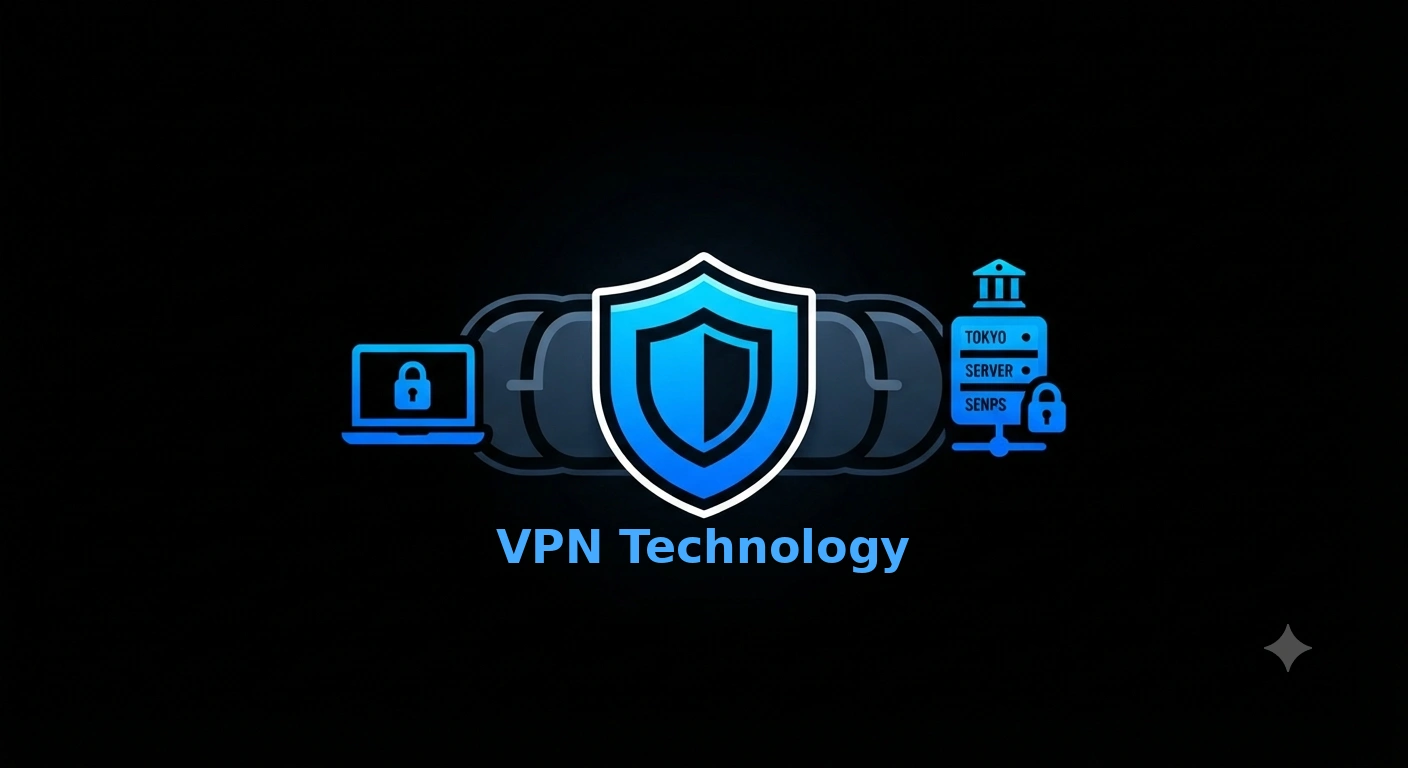
This is the core difference that gets lost in most proxy discussions: a proxy typically changes your apparent IP address but doesn't encrypt your traffic end-to-end. A VPN encrypts everything between your device and the VPN server, protecting your data even on untrusted networks like public Wi-Fi — and, unlike most proxies, it covers your entire device's traffic, not just one browser or app.
When a Proxy Isn't Enough
If your goal is genuinely private, secure browsing — not just swapping your IP address for one request — a proxy alone doesn't get you there. That's especially true on networks where your ISP or network administrator can see unencrypted traffic. For anything involving personal accounts, payments, or sensitive browsing, encryption isn't optional.
Choose a Freemiga Plan
Freemiga gives you a fully encrypted VPN connection, not just an IP swap — with fast VLESS/Xray servers built to stay reliable even on restrictive networks. See Freemiga's VPN plans and get set up on any device in minutes.